
CarPlay Dropouts After a Universal Car Radio Install
A wireless CarPlay dropout reported after a 2DIN universal car radio install is a symptom, not a diagnosis. Before a distributor authorises a warranty swap, the installation has to be reduced to separate variables — phone, cable, wireless link, car radio wiring harness, vehicle network and head-unit configuration — and each one cleared with a recorded result. This is the distributor's problem-solving playbook for that sequence, using the TOPNAVI TN-3036 as the documented reference platform.
Distributors usually meet this problem in the middle of a disagreement. The installer is certain the unit is faulty. The factory has no reason to agree until the installation is documented. Neither side is helped by replacing hardware first, because the head unit is the most expensive variable to test and the slowest to clear.
The sequence below is therefore ordered by elimination cost: the cheapest check comes first, and factory escalation comes last. That ordering is not a formality. In a car radio replacement programme, the difference between a two-day fix and a two-month dispute is usually whether the installer documented the connection mode before touching the dash.
What a "CarPlay dropout" actually describes
Installers use one phrase for four different failures, and only two of them normally point at the aftermarket car radio. Sorting a ticket into the correct group is the first real step, because the group decides who owns the fix.
- Audio interruption. Navigation keeps running, but voice prompts mute or the music stream stops for a few seconds and returns. The CarPlay screen is still displayed.
- Link loss with automatic reconnect. The CarPlay interface drops back to the radio user interface and returns, sometimes repeatedly on the same route.
- Pairing loss. The phone disappears from the paired-device list and has to be paired again by hand.
- Head-unit symptoms. The screen freezes, the unit reboots, or it fails to boot at all. CarPlay is not the cause in this group; it is a casualty.
The first two groups are normally cable, radio-frequency or configuration issues. Groups three and four are the ones that justify firmware or hardware escalation — but only after the earlier checks have produced a written result.
Wired and wireless are different fault paths
Wireless CarPlay opens with a Bluetooth handshake and then carries the session over Wi-Fi. Wired CarPlay and wired Android Auto run over the USB data path instead. That difference decides whether a cable test is relevant or a distraction.
If the same phone drops on a wired connection, the wireless environment is not the prime suspect. If it drops only on wireless, the cable is irrelevant and the pairing record, the local Wi-Fi environment and the phone's background behaviour move up the list. Ask the installer to state the mode in the first line of the ticket, and to confirm whether the unit is running wired or wireless CarPlay/Android Auto at the time of the complaint. A report that does not name the mode cannot be triaged by anyone.
Why universal 2DIN installations concentrate the problem
A universal-fit head unit is engineered to be installed across many vehicle models, which makes the vehicle side the variable and the head unit the constant. Grand View Research's in-car infotainment analysis attributes 44% of car stereo revenue to the Double DIN form factor in 2025, so the double din car radio is where most distributor retrofit volume sits — and also where the widest range of harness adaptors, antenna types and CAN configurations meets one product.
Mordor Intelligence sizes the global car audio market at USD 12.24 billion in 2025, covering speakers, amplifiers and head units. The useful part of that scale for a distributor is not the headline number; it is that every unit in the market is installed into a different vehicle-side environment. The practical response is a pattern test rather than a per-unit argument.
- If dropouts follow one installer or one vehicle model across different production batches, treat the vehicle side, the harness and the install routine as the prime variables.
- If dropouts follow one production batch across different installers and vehicle models, escalate to the supplier with batch data.
- If dropouts follow one phone model, the phone and its OS behaviour own the problem, not the head unit.
That is decision logic rather than a statistical rule, but it is enough to stop a distributor from shipping replacements into a problem that will reappear on the next install.
The eight-check playbook, step by step
Run the checks in this order and record the outcome of each. The first five take minutes and need no parts. The last three need a bench, a replacement part or a factory contact.
Step 1 — Capture the failure signature on one form
Record the vehicle model and year, the phone model and OS version, the connection mode, the app in use at the moment of failure, the time to failure, and whether reconnect was automatic. Without this record every later step is guesswork, and the installer's memory becomes the evidence.
Step 2 — Split wired from wireless
Test the same phone on a data-capable cable and on the wireless link in the same session. A failure that appears in both modes removes the cable and the wireless environment from the suspect list at once, which saves the most time of any single check.
Step 3 — Change the phone, not the radio
Run a second phone — ideally on a different OS version — through the same route and the same mode. If the second phone is stable, the head unit is functioning with at least one clean client, and the original phone's pairing records and background settings become the target.
Step 4 — Verify the cable and the USB path
Use a known-good data cable, not a charge-only lead, and inspect the port for debris and looseness. Cable faults are the cheapest explanation for a wired dropout and the most frequently skipped check in a field report.
Step 5 — Clear the pairing record and read the Bluetooth environment
Delete the phone from the head unit and the head unit from the phone, then re-pair in a clean state. On the reference platform this is done through the Bluetooth 5.0 radio with the phone's own CarPlay profile reset. Then look at what else is broadcasting nearby: dashcams, mobile hotspots and other paired devices compete for the same airtime, and a phone that keeps falling back to a stronger known network will not hold the head unit's link.
Step 6 — Inspect the car radio wiring harness and vehicle-side adaptation
Confirm the harness adaptor matches the vehicle connector and that the CAN or adaptor configuration inside the head unit is set to the correct vehicle profile. Check the ground and the DC 12V feed under load; a supply that sags when an amplifier or a reverse camera engages produces resets that an owner will report as dropouts. Re-learn steering-wheel control (SWC) after any harness change, because an SWC learn fault leaves the unit in a configuration state where other inputs behave unpredictably.
Step 7 — Confirm control and configuration state
Verify touch control and SWC mapping against the intended layout, record the installed firmware version, and check that no unfinished setup step — a language pack, a theme, a pre-installed app profile — has left the unit in an unstable configuration. A bench replication after a factory reset separates configuration from hardware.
Step 8 — Escalate with evidence, not with an opinion
Only now is the head unit a legitimate suspect. Send the completed ticket, the firmware version, the batch or serial number, the reproduction steps and the bench result. A supplier can act on that package. A message saying the CarPlay keeps dropping cannot be resolved by anyone, and it is the main reason aftermarket car radio escalations stall.
Six dropout causes, ranked by elimination cost
This ranking is an editorial ordering by how cheaply and quickly a field team can clear each cause. It is not a claim about measured failure frequency, and no supplier should present it as one. It exists so that an installer knows what to do first when a screen car radio reports a wireless failure.
| Rank | Cause | Why it sits here | Evidence that clears it |
|---|---|---|---|
| 1 | Stale or duplicate pairing records on the phone | No parts, no tools, minutes to test | Fault disappears after a clean re-pair on the same phone |
| 2 | Charge-only or damaged USB cable (wired mode) | One cable swap, no unit removal | Wired and wireless both stable on the new cable |
| 3 | Crowded wireless environment from dashcams and hotspots | Requires a location change, not a part | Wireless session holds on the same route in clean air |
| 4 | Harness adaptor, ground or DC 12V supply sag | Needs a meter and dash access | Feed stable under load; resets stop |
| 5 | Firmware version or configuration state | Needs a controlled reset or comparison | Fault does not reproduce after reset on the same firmware |
| 6 | Head-unit hardware, including thermal behaviour | Most expensive: replacement or supplier bench time | Fault reproduces on the bench with a known-good phone and cable |
The ranking also gives a distributor a reporting template. Most escalations that arrive as hardware failures actually stop at rank 3 or 4, where the installer has no procedure for testing and therefore jumps to the conclusion that the unit is defective.
Using TN-3036 as the reference baseline
The TOPNAVI TN-3036 is a 2DIN universal car multimedia player running Android 13 on an 8-core CPU with 4GB RAM and 64GB storage, powered from a DC 12V input, rated for -30°C to 75°C operation, with 4×50W audio output. Those values are not decoration; each one removes or narrows a variable when a distributor triages a dropout ticket.
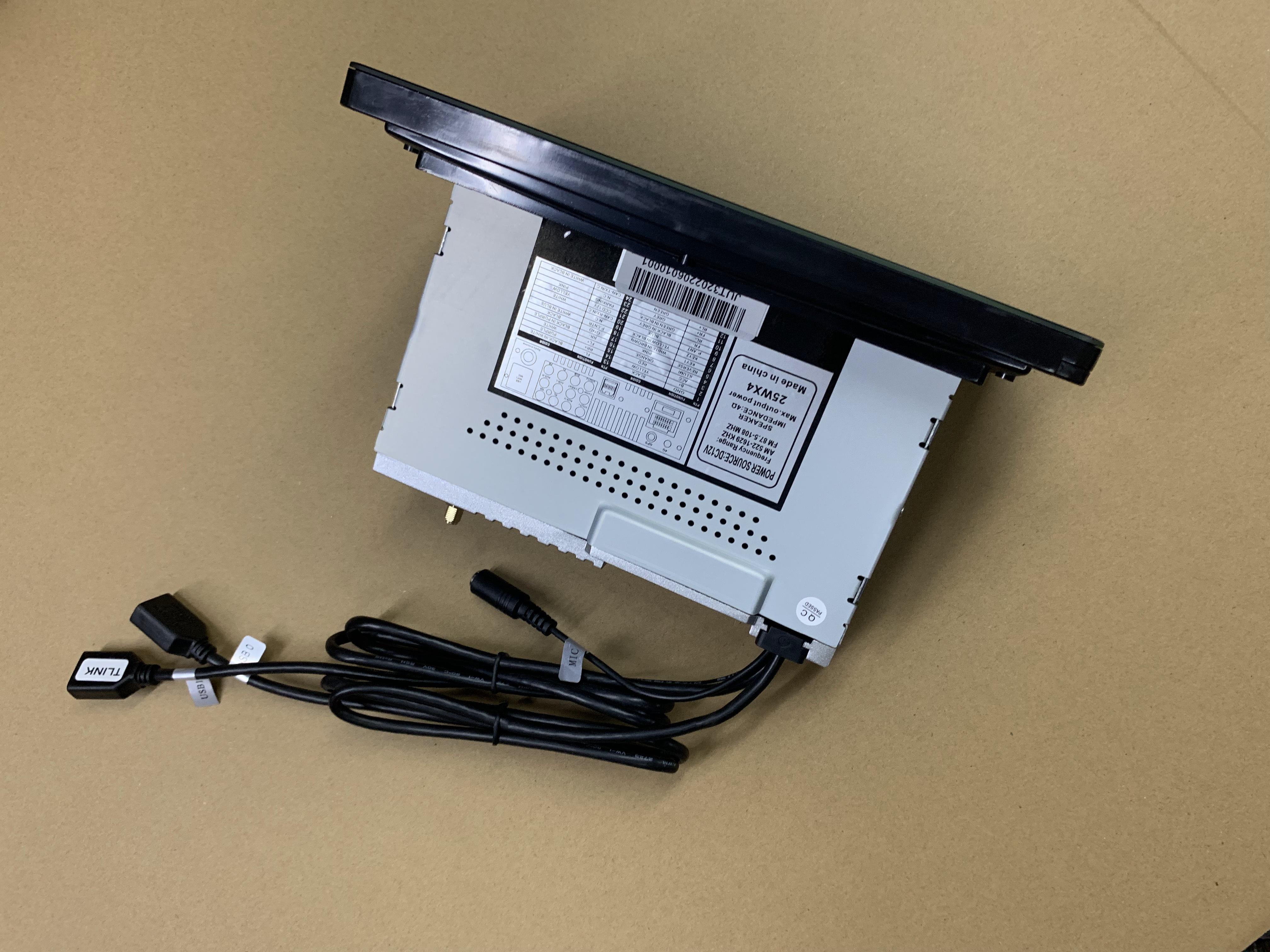
| TN-3036 specification | What it fixes in the diagnosis |
|---|---|
| Android 13 | Gives the installer a defined OS baseline for pairing records, app permissions and CarPlay behaviour. A ticket that names a different OS version is describing a different configuration. |
| 8-core CPU | Sets the load expectation when navigation, streaming and a camera feed run together. If the unit stalls under combined load, the question is what else is running, not whether processing exists. |
| 4GB RAM + 64GB storage | A known starting point for app-level stalls. Storage and memory pressure are checked before hardware is blamed. |
| DC 12V input | The Step 6 supply check now has a reference: the harness must deliver a stable 12V DC feed under load, not only at idle. |
| -30°C to 75°C operating range | Defines the thermal test window. A dropout that appears only in a hot cabin after long use belongs in the thermal row, not the cable row. |
| 4×50W output | Separates a genuine link dropout from an audio path problem. Brief muting with the CarPlay screen still displayed is an audio-load symptom, not a disconnection. |
| 2DIN universal installation | Defines the fitment standard, which makes the harness, adaptor and mounting variables explicit rather than assumed. |
Certification is the design-side half of the same question
Field isolation deals with interference in the cabin. Certification deals with the unit's own emissions and immunity, and both matter when a Bluetooth car radio loses its link. TOPNAVI's FCC Part 15B certificate WST23N080171E, issued by Shenzhen WST Testing Co., Ltd on 21 August 2023 for the US market, lists TN-3036 among the covered models on the certificate. CE-EMC certificate WST23N080170E covers the same product series against EN 55032:2015+A1:2020 and EN 55035:2017+A11:2020 for the EU market. The factory quality management system is certified to ISO 9001:2015 under certificate SW25Q20244R1S, issued by Shanghai Sailway Certification Co., Ltd on 11 March 2025 and valid to 10 March 2028.
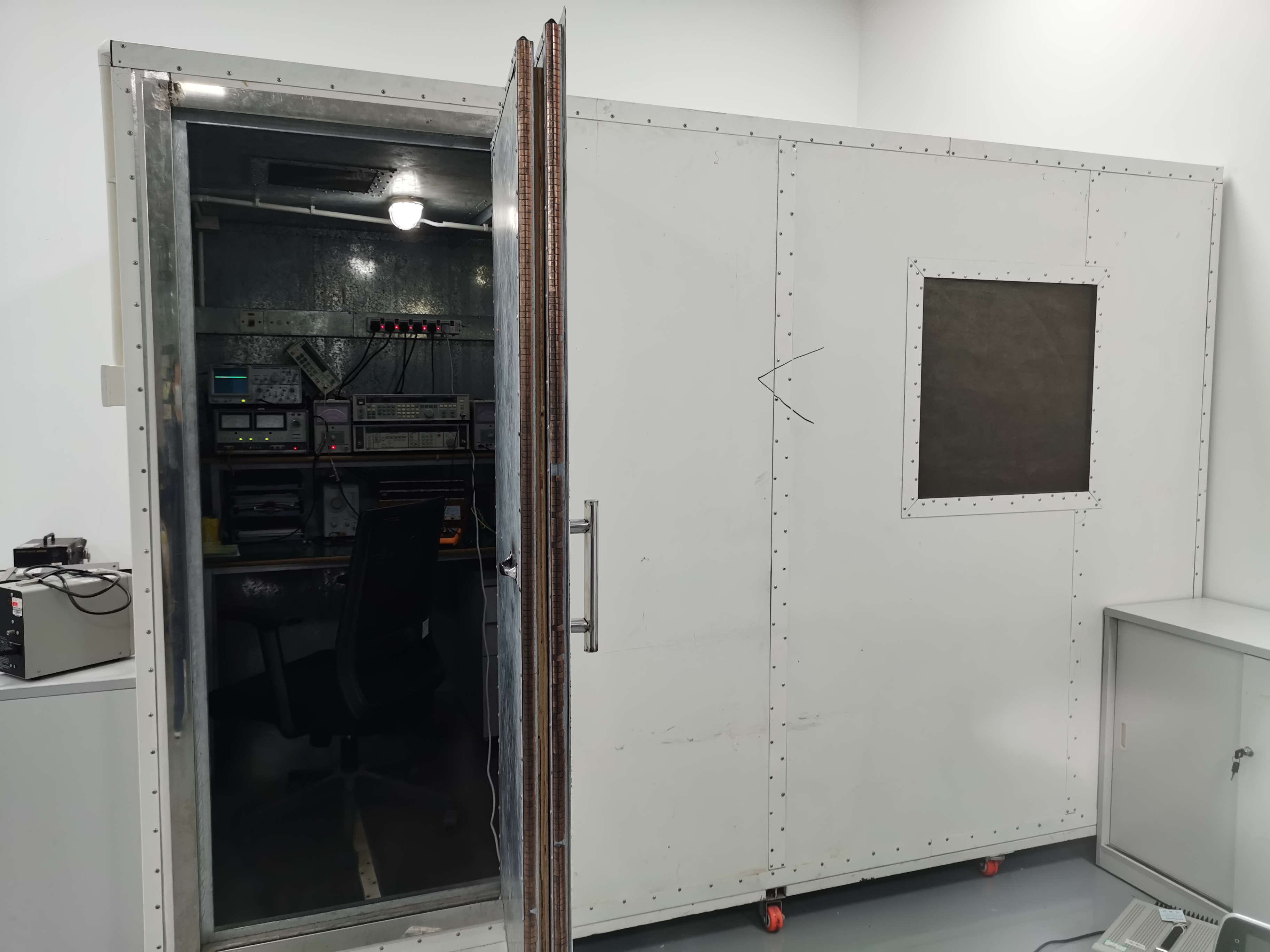
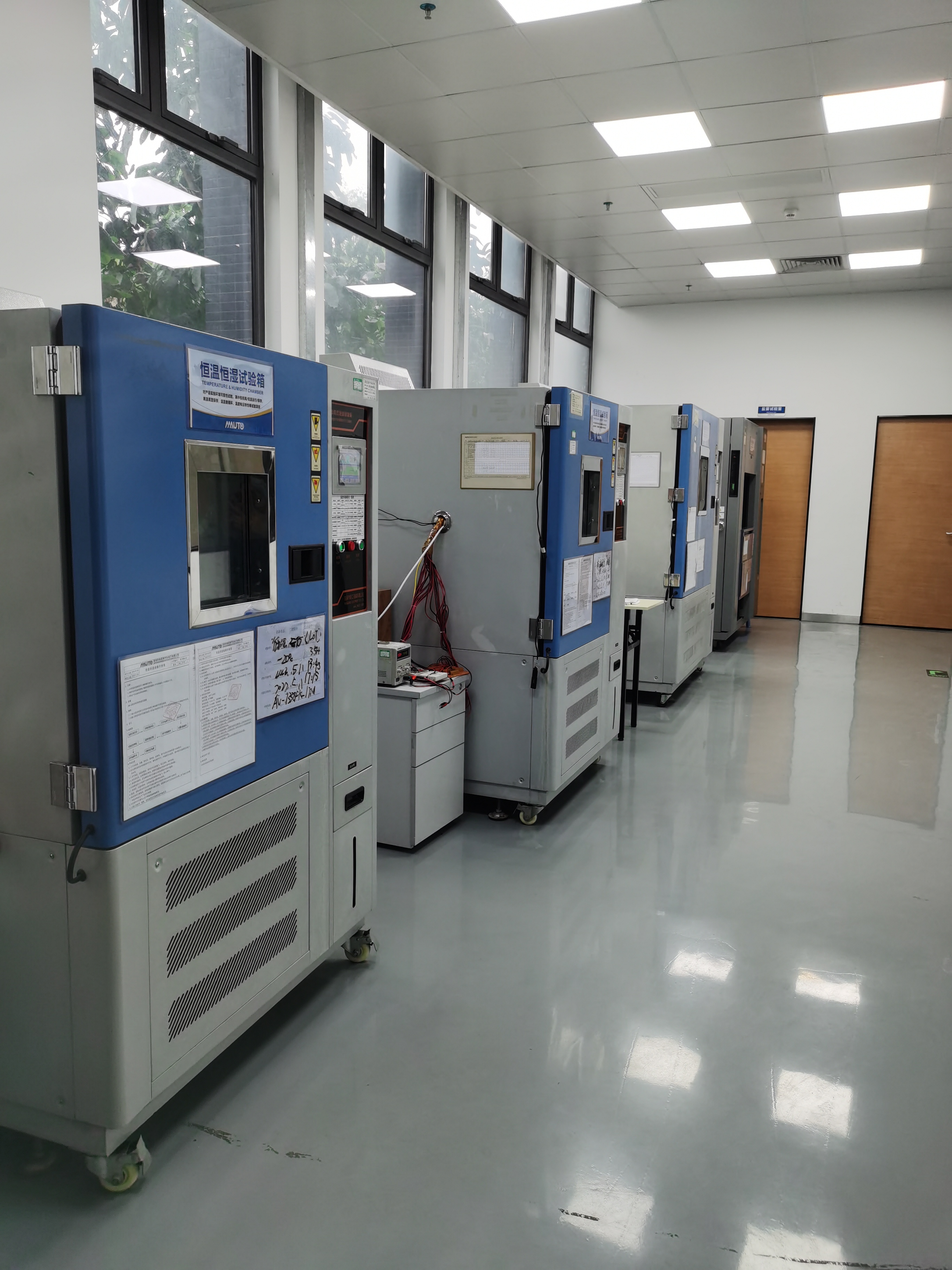
A certificate does not predict how a specific phone, cable and cabin will behave together, so the field sequence is still required. What certification does is remove the design question from the argument, which is what lets a distributor escalate on evidence rather than on suspicion.
What distributor projects show
TOPNAVI-reported project data is useful here not as proof that dropouts cannot occur, but as an illustration of how connection behaviour is tracked once it is treated as a project-level metric rather than a one-off complaint.
- South Korea — car modification shop, 2,500 units over 3 years. The reported result was stable performance, a smooth CarPlay connection and a high-definition display. A three-year project window is long enough that connection behaviour has to survive firmware updates and vehicle-model turnover, not just the first install.
- Russia — car audio and navigation retrofit, 5,000 units over 2 years. Wireless CarPlay was among the key features, and the reported outcome included a 98% customer satisfaction rate and a 15% lower after-sales rate. The after-sales rate is the metric a playbook like this one is designed to move; treat the figure as company-reported project data, not an industry benchmark.
- Switzerland — local modification shops, 500 units over 3 years. The reported result was stable performance in a high-temperature environment together with a smooth wireless CarPlay connection — precisely the thermal row in the ranking above.
- Brazil — used-car upgrade and retrofit, 10,000 units over 2 years. Reported stable operation and a 0.3% return rate, with plug-and-play and non-destructive installation listed as highlights. Plug-and-play fitment reduces the harness variable, which is the rank 4 cause in the table.
Read together, these projects support one practical point for a distributor: the units that generate fewer escalations are the ones installed by teams that already have a repeatable check routine. The playbook is the routine.
Frequently asked questions
Does EMC certification tell a distributor anything about CarPlay dropouts?
It confirms that the design was tested against defined emission and immunity standards, which is the design-side half of the interference question. TOPNAVI's FCC Part 15B certificate WST23N080171E lists TN-3036 among the covered models, and CE-EMC certificate WST23N080170E covers the same series against EN 55032:2015+A1:2020 and EN 55035:2017+A11:2020. Neither certificate can predict how a specific phone, cable and cabin will behave together, so field isolation remains necessary.
Can the CarPlay configuration, steering-wheel control and CAN protocol be adapted per market?
Yes. TOPNAVI's OEM/ODM customization record covers wired/wireless CarPlay, SWC, CAN protocol, vehicle adaptation, firmware OTA, DSP tuning, panel and button light colour, screen size and resolution, RAM/ROM, a 4G module, GPS/Beidou, AHD camera support, language packs (PT/ES/EN/FR), boot animation and app pre-installation. The same record lists a 1-unit minimum order, 7–15 days lead time and 30,000 units monthly capacity, with 100% testing and remote or online after-sales support.
How should a distributor weigh unit price against after-sales cost on a double din car radio programme?
Unit price is the only number that appears on a cheap car radio quotation. The support cost of a repeated dropout visit does not appear on it at all, and it is the cost that scales with installer volume. The defensible approach is to buy against a documented baseline: a named model with stated OS, memory, power input, thermal range and audio output, certification coverage that lists that model, and a sample validated in wired and wireless modes before volume is committed. That is a cheaper form of insurance than a lower invoice price. No market price benchmark is quoted here, because prices vary by configuration, market and commercial terms.
What should a distributor test on a sample before a volume order?
Run both connection modes on at least two phones with different OS versions; pair, unpair and re-pair repeatedly to check whether the Bluetooth record survives a restart; confirm touch response and steering-wheel control learn; inspect the harness adaptor against the target vehicles; confirm the firmware version and record it; and test in a warm cabin after extended use rather than only on a bench at room temperature. Any unit that fails a step should not reach a volume order, and any unit that passes gives the distributor a documented baseline to compare field complaints against.
What lead time and capacity should a distributor plan for?
The TOPNAVI capability record lists a 7–15 day lead time, 30,000 units of monthly capacity, a 1-unit minimum order and 100% testing. Sample validation should be scheduled inside that lead-time window rather than after it, so that the first volume shipment is not also the first real test. These are company-reported figures and should be confirmed on the actual RFQ for the specific configuration.
Where can an installer team get the full product documentation?
The current TOPNAVI catalogue is available as a downloadable brochure at https://cdn.socialarks.com/sbsp/24669/0/2026/0416/69e0830ed0006.pdf. Distributors who want the specification sheet and firmware reference for a specific model can request them from sales@topnaviauto.com or via WhatsApp on +86 150-7094-1278 before scheduling an installer training session.
Next step for distributor teams
Before the next retrofit batch ships, run one TN-3036 sample through the eight checks and file the results as the baseline for your account. The full product range and configuration options are in the TOPNAVI product brochure.

Conclusion
CarPlay dropouts after a universal car radio install are resolved by sequence, not by opinion. Confirm the connection mode first, test the phone and cable second, read the wireless environment third, inspect the harness and supply fourth, and treat the head unit as the suspect only when those checks have produced a written record. A touch screen car radio that reports a link loss is telling the distributor where to look next, not what to replace.
The same discipline applies to a single din car radio retrofit; only the fitment variables change. Distributors who build the eight checks into an installer checklist turn an unresolvable argument into a two-day answer, and they protect both the account margin and the supplier relationship at the same time.
Have Questions or Need More Details?
Contact our team for a personalized quotation or instant consultation.
Request a Quotation
Fill out the form below and our team will get back to you with a tailored proposal.
WhatsApp Direct Chat
Prefer to chat in real-time? Message us on WhatsApp for instant assistance & quick answers.
- Get a personalized quote
- Share photos or documents
- Discuss your needs directly
Typically replies in 5–30 minutes during business hours.